
Sound the way you want, instantly.
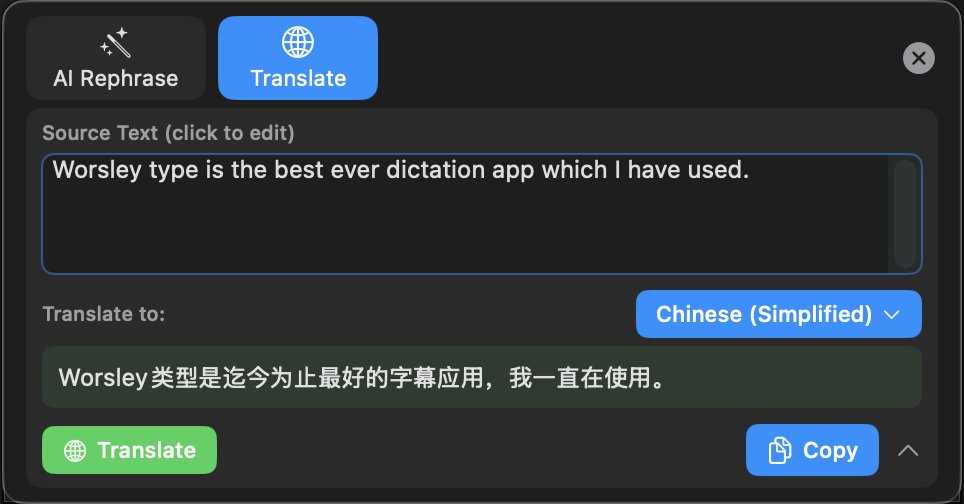
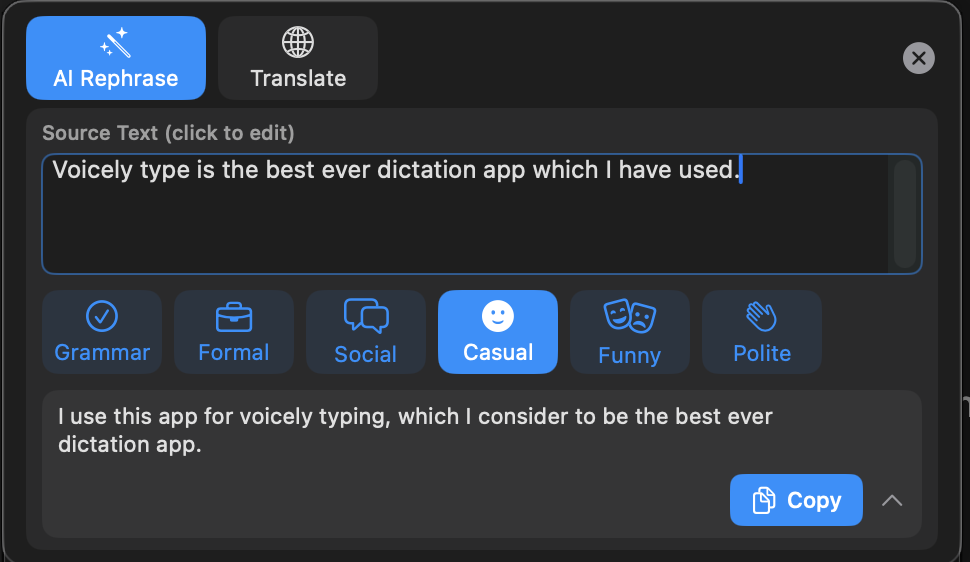
One click rewrites what you just dictated in five tones — perfect for a polite reply, a formal email, a casual chat, a social post, or just a laugh. Pick the tone, copy, done.
Official website · whisperflow.org
Whisper Flow is the official AI voice keyboard from Butterfly AI LLC for iPhone, iPad, Android, macOS, and Windows. Turn speech into formatted text in any app — about 10× faster than typing — with on-device transcription, 5-tone AI rephrasing, and translation to 100+ languages.
Free for iPhone, Android, Mac, and Windows. No signup required. One purchase. All platforms.
Looking for Whisper Flow? You are on the official site at whisperflow.org.
Requires microphone access. Max 2 minutes. Use Chrome/Edge if the permission dialog doesn’t appear.
Available on iPhone, iPad, macOS, Windows, and Android.
Three things that set Whisper Flow apart from any other dictation app.
One click rewrites what you just dictated in five tones — perfect for a polite reply, a formal email, a casual chat, a social post, or just a laugh. Pick the tone, copy, done.
Dictate in English; paste in Chinese, Japanese, Spanish — whatever language your reader speaks. Inline translation across 100+ languages, with one click to copy the translated version.
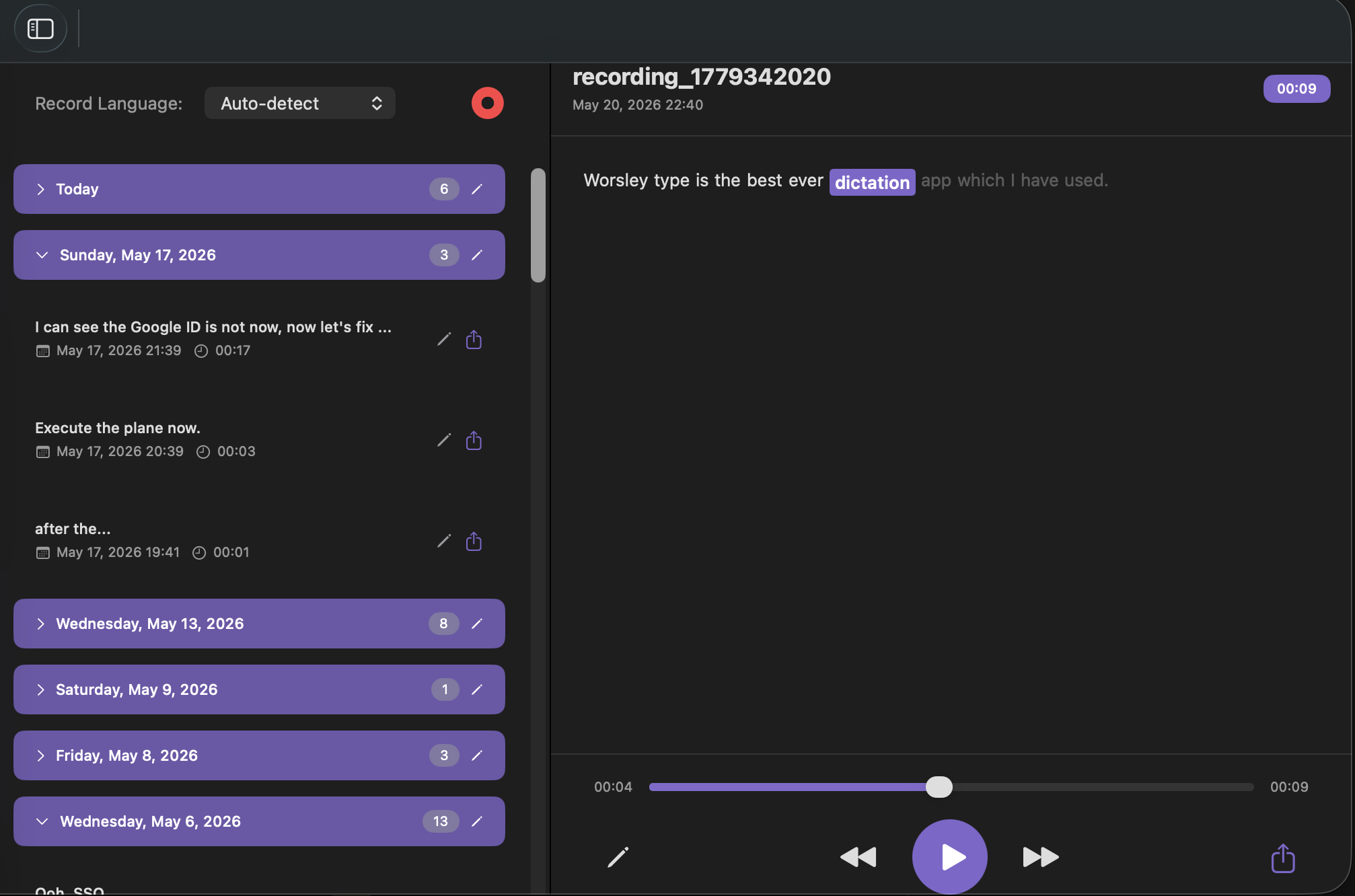
Every dictation is saved with the original audio. Replay any past recording and watch the transcript highlight word-by-word as you listen — perfect for verifying a quote, editing a draft, or studying a language.
And more reasons to love it
Speak at 220 wpm vs typing at 45 wpm. Save hours every week.
On-device transcription option; voice data never shared.
Learns your names, jargon, and phrases over time.
Mac, Windows, and Android. One account, everywhere.
The macOS app is named Whisper Flow.
1. Install Whisper Flow from the Mac App Store
2. Open Whisper Flow from Launchpad or Applications
Sign in with the same account you use on iPhone, Android, or Windows.